sales@batterydeji.com
 English



A few years ago, replacing an iPhone screen was straightforward.
Remove the broken display, install a new one, test the phone, and the repair was done.
That’s no longer the case.
Starting with the iPhone 11 series, Apple began pairing display components to the motherboard. Since then, screen replacement has become much more technical, especially for independent repair shops and refurbishing companies.
Today, a screen can work perfectly and still trigger an “Unknown Part” warning.
For customers, that message creates doubt.
For repair shops, it creates problems.
Why the “Unknown Part” Message Appears
When a display is replaced, the iPhone checks whether the new screen matches the original hardware information stored by the system.
If it doesn’t match, iOS may show:
“Unable to verify this iPhone has a genuine Apple display.”
This warning is related to authentication, not necessarily screen quality.
In many cases, the replacement display works completely normally:
- Touch works fine
- Brightness works normally
- OLED quality is good
- Face ID is unaffected
- True Tone may still function
But because the display is no longer paired to the phone, the system flags it.
That’s the part many consumers don’t understand.
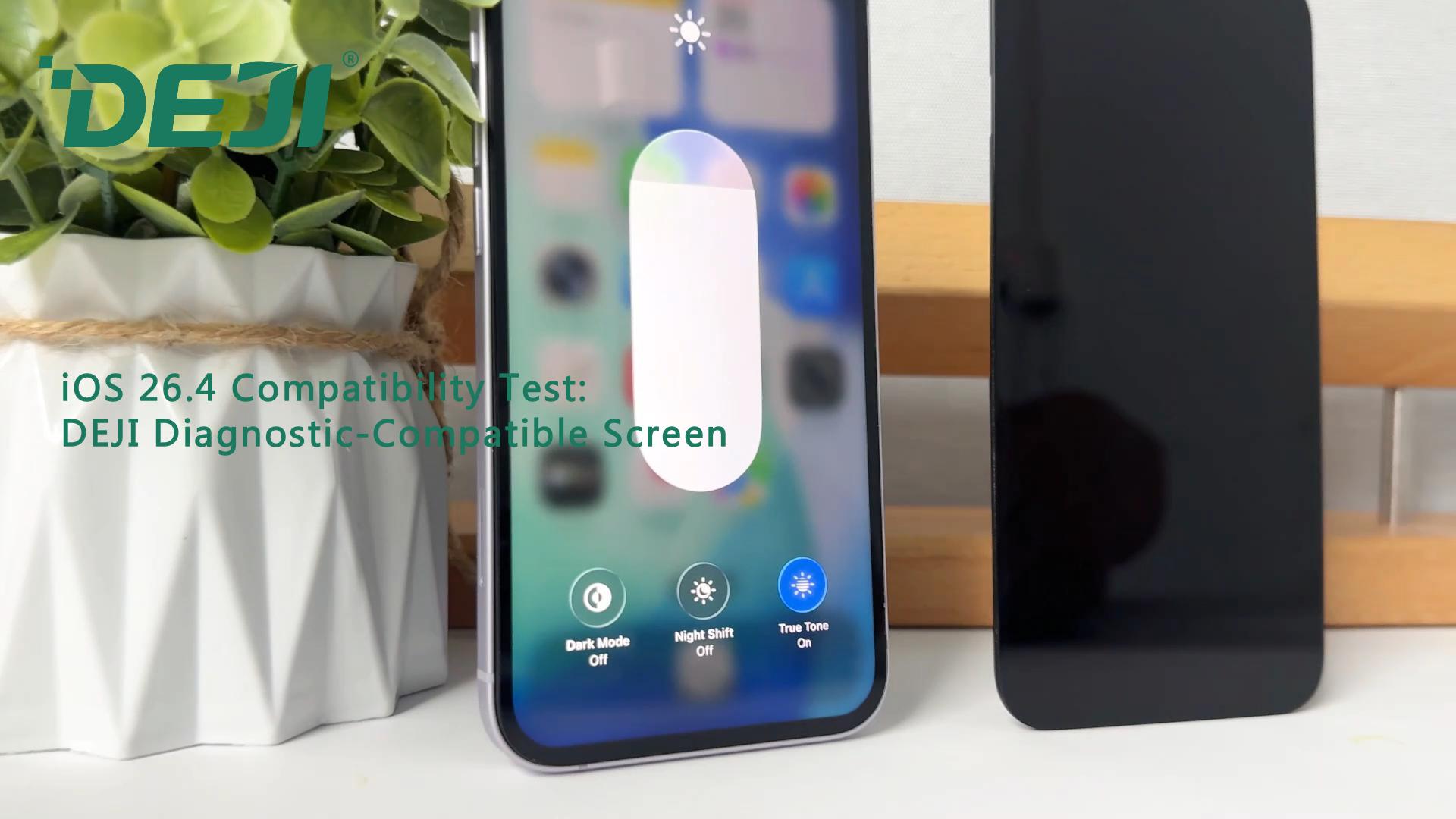
True Tone Does Not Prove a Screen Is Original
This is probably the biggest misunderstanding in the used phone market.
A lot of people believe:
“If True Tone works, the screen must be original.”
Not really.
True Tone data can be copied from the original display and written onto another screen using repair tools. Because of that, even some aftermarket or refurbished screens can still keep True Tone after installation.
So from a technician’s perspective, True Tone alone means very little.
You need to look at the entire repair condition, not just one feature.

Why Some Replaced Screens Show No Warning
This is where things get interesting.
On older iPhones, replacing the display usually didn’t trigger any system notification. You could install a third-party screen and the phone would stay completely silent.
Newer models are different.
Since the iPhone 11 series, most replacement screens will trigger a warning unless additional work is done during the repair.
That’s why IC transfer became common in the repair industry.
What Is IC Transfer?
IC transfer is now standard practice in many professional refurbishing shops.
The process involves removing the touch IC chip from the original screen and moving it onto the replacement display.
Why?
Because the display-related authentication data is tied to that chip.
Once the original IC is transferred over, the phone can still communicate with the new display as if it were the factory-installed screen.
If the work is done properly:
- No “Unknown Part” warning
- True Tone usually works normally
- System behavior stays normal
- Customer acceptance is much better
But this is not beginner-level repair work.
A bad IC transfer job can cause:
- Touch problems
- Random ghost touch
- Display instability
- Long-term reliability issues
That’s why good micro-soldering technicians are highly valued in the refurbishment industry.
Running Diagnostics Is Different
People often confuse IC transfer with “running diagnostics” or “system configuration.”
They are not the same thing.
Diagnostics is mainly used when installing a genuine Apple display. The screen is paired back to the phone through Apple’s calibration process.
If everything goes through correctly, iOS may show:
“Genuine Apple Part”
The important thing is:
- This only works with genuine Apple displays
- Not every screen qualifies
- The pairing process has limitations
That’s why genuine pulled screens with successful calibration are usually worth more in the refurbishing market.
Can You Tell If a Screen Is Original Without Opening the Phone?
Sometimes yes.
Sometimes no.
Experienced technicians usually check things like:
- OLED quality
- Brightness consistency
- Bezel finishing
- Frame alignment
- Touch response
- Color tone
- Repair history
- System notifications
But once IC transfer has been done properly, software checks alone are often not enough.
At that point, experience matters more than apps or settings menus.
Repair Work Has Changed Completely
In the past, screen replacement was mostly mechanical work.
Now it’s closer to board repair.
Technicians today need to understand:
- Display pairing
- Component authentication
- Micro-soldering
- Calibration procedures
- iOS system behavior
Apple keeps tightening hardware authentication every year, which means third-party repair shops have to keep adapting.
That’s why modern refurbishing is no longer just about replacing parts.
It’s about understanding how the entire system communicates with the hardware.